_edited_edited_edited.png)
Vertical vs Horizontal: Choosing the Right Video Format for Reels, Ads & YouTube


You’ve shot a great video — but when it’s time to post, you hit that question every creator faces: Should it be vertical or horizontal?
It seems simple, yet choosing the right video orientation can make or break your engagement. A portrait clip can blow up on Instagram Reels but flop on YouTube; a cinematic landscape shot can look awkward on mobile.
In this blog, you’ll learn how to master the vertical vs horizontal video format debate — when to use which, how aspect ratios work, and how to future-proof your content for every platform.
What Is the Difference Between Vertical and Horizontal Video?
Let’s start with basics.
Vertical Video Format (9:16): Tall, mobile-first, fills your smartphone screen — ideal for Reels, TikTok, and Shorts.
Horizontal Video Format (16:9): Wide, cinematic view used on YouTube and ads viewed on desktops or TVs.
Think of it as portrait video vs landscape video — same content, different perspective.
Why Does Video Orientation Matter So Much?
Because screen habits have changed.
90 % of social-media time happens on mobile.
Users instinctively hold phones vertically.
Algorithms now prioritise native-format content.
That’s why mastering vertical vs horizontal video format is essential for brand visibility and ROI.
When Should You Use Vertical Video?
If your audience scrolls fast and watches on mobile — go vertical.
Use vertical video format for Reels when:
You’re creating short-form, attention-grabbing clips.
You want full-screen immersion.
Your call-to-action fits naturally in portrait view.
Best suited for:
Instagram Reels
TikTok ads
YouTube Shorts
Snapchat Spotlight
Pro Tip: Keep key visuals within the “safe zone” — middle 80 % of the frame — so nothing gets cropped.
When Should You Use Horizontal Video?
If you’re aiming for story depth, product demos, or cinematic storytelling — go horizontal.
The horizontal video format for YouTube & ads works best for:
Tutorials, interviews, or documentaries.
Commercials and explainer videos on web pages.
Long-form storytelling where context matters.
It’s still the preferred format for desktop and TV audiences who want rich visuals and context.
How to Choose the Right Format for Each Platform
Here’s your quick decision table:
Platform | Best Orientation | Aspect Ratio | Ideal Length |
Instagram Reels | Vertical | 9:16 | 15–30 s |
YouTube Shorts | Vertical | 9:16 | ≤ 60 s |
YouTube Main Videos | Horizontal | 16:9 | 2–10 min |
Facebook Feed Ads | 1:1 or Vertical | 4:5 or 9:16 | 15–45 s |
LinkedIn Clips | Square or Horizontal | 1:1 or 16:9 | 30–90 s |
Still unsure? Ask yourself:
“Where will most viewers watch — phone or desktop?”
That single answer solves the how to choose vertical vs horizontal video format for Instagram Reels and YouTube dilemma instantly.
Can You Shoot One Video in Both Formats?
Yes — and it’s easier than you think.
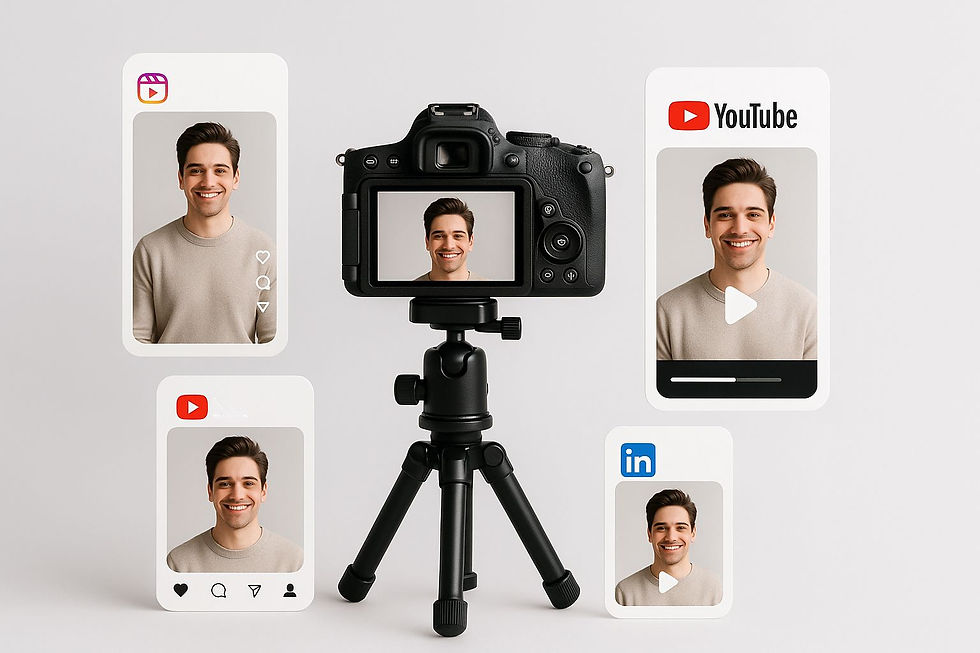
When filming, frame wider in 4K so you can crop vertically later. That way, you can create:
A 16:9 version for YouTube or ads.
A 9:16 cut for Reels or Shorts.
Even a 1:1 edit for LinkedIn or Facebook.
This multi-output approach saves time and boosts consistency — one shoot, many edits. Perfect for creators using a multi-platform content strategy.
For pro execution, check your production partner’s video editing process or collaborate on behind-the-scenes production planning.
Aspect Ratio Explained (9:16, 16:9, 1:1)
Think of aspect ratio as your video’s shape:
9:16 (Portrait): Tall and narrow — ideal for mobile and Reels.
16:9 (Landscape): Wide and cinematic — great for YouTube.
1:1 (Square): Balanced — versatile for Facebook, Instagram feed, and LinkedIn.
When repurposing content, maintain high resolution so cropping doesn’t reduce clarity.
For visual guidance, refer to Google’s video ad specs or HubSpot’s social video dimension guide.
Which Is Better: Vertical or Horizontal Video?
The real answer — it depends on your goal.
For mobile reach → Vertical wins.
For storytelling and ads → Horizontal wins.
For brand consistency → Shoot both.
In short, it’s not vertical vs horizontal video format, it’s vertical and horizontal, working together to expand your content’s life.
How Brands Combine Both Formats Successfully
Smart marketers now film once and output multiple versions. Example workflow:
Shoot in 16:9 4K.
Edit main version for YouTube & ads.
Crop portrait for Reels/Shorts.
Add captions for mute-viewing audiences.
Publish sequentially — tease on Reels, explain on YouTube, reinforce on LinkedIn.
This is the essence of shooting one video in both vertical and horizontal formats for Reels, ads and YouTube — the sweet spot of efficiency and creativity.
Common Mistakes to Avoid
Framing too tight for cropping later.
Ignoring platform safe zones.
Forgetting captions for mobile viewers.
Uploading horizontal content as vertical (creates black bars).
Using one edit for all platforms without adapting tone.
Keep these in check and your portrait vs landscape video orientation will always feel native.
Why Work With a Professional Video Team
A creative partner that understands corporate video services, storytelling for brands, and social media optimization can:
Frame every shot for dual-format flexibility.
Provide aspect-ratio-ready edits.
Optimize each cut for its platform’s algorithm.
Save you costly reshoots.
At The Reel Factory, for instance, our video production services are built around this exact approach — helping you plan, shoot, and adapt content for every screen.
Conclusion
Choosing between vertical and horizontal video formats isn’t about right or wrong — it’s about context.
Use vertical when speed, reach, and mobile engagement matter.
Use horizontal when depth, story, and professionalism count.
Use both when you want to future-proof every campaign.
Mastering this balance means your content always looks perfect — whether on a palm-sized phone or a 60-inch screen.
If you’re ready to create videos that fit every platform flawlessly, connect with our video production team today. Let’s help your next shoot stand tall and wide.
FAQs (Quick Answers)
Q1. What is vertical video and what is horizontal video?
Vertical fills a smartphone screen (9:16). Horizontal is the widescreen YouTube style (16:9).
Q2. Which orientation is best for mobile viewers?
Vertical — it matches how users hold their phones.
Q3. Which format should I use for YouTube ads?
Horizontal (16:9) for traditional ads; use vertical for Shorts campaigns.
Q4. Can I film once and post everywhere?
Yes, if you shoot wide and crop smartly for each platform.
Q5. Is 1:1 square video still relevant?
Yes — it’s versatile for feeds on Facebook, LinkedIn, and Instagram.
Quick End Notes & Tips
Shoot in 4K: Gives flexibility to crop both orientations. Prioritise mobile: Most traffic comes from phones. Plan safe zones: Keep faces and text centre-aligned. Add subtitles: Many scroll with sound off. Test and track: Compare Reels vs YouTube performance. Repurpose wisely: One shoot → many edits. Collaborate: Work with a team skilled in dual-format shooting.


Comments